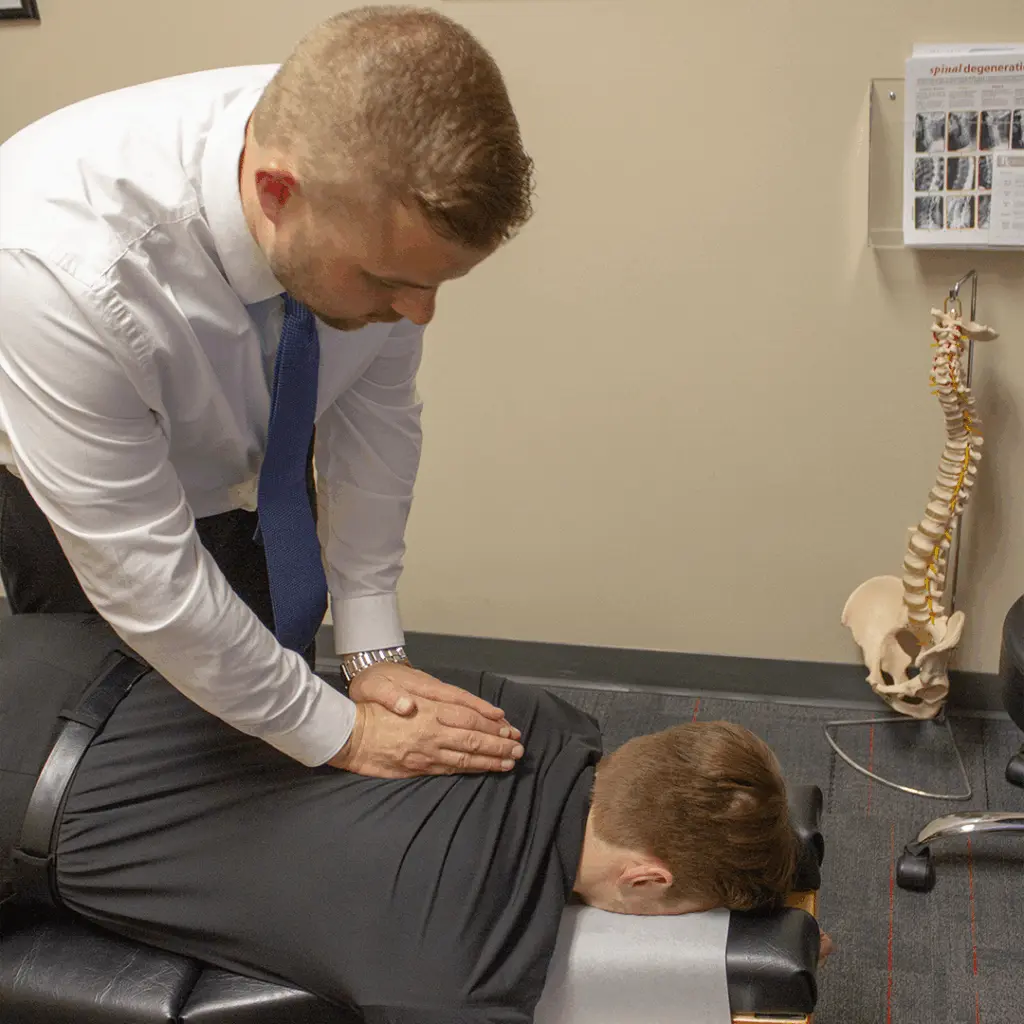
7 Desk Posture Tips to Ease Neck and Back Pain
Simple changes to your screen, chair and daily habits that take pressure off your neck and lower back when you work at a desk all day.
 Dr. Andrew Krueger
· 2 min read
Dr. Andrew Krueger
· 2 min read

If your neck aches by mid-afternoon or your lower back feels tight when you stand up from your desk, your workstation may be part of the problem. Hours in the same position load the same joints and muscles again and again. The good news: a few small changes can make a real difference.
1. Raise your screen to eye level
Your head is heavy, and the further it drifts forward, the harder the muscles at the back of your neck and shoulders have to work to hold it up. Set the top of your monitor at or just below eye level and about an arm's length away, so you can look straight ahead instead of down.
2. Get your laptop off the desk
Laptops force a choice: the screen is too low or the keyboard is too high. If you use one for more than an hour a day, put it on a stand or a stack of books and use a separate keyboard and mouse.
3. Set your chair height from the floor up
- Feet flat on the floor (or on a footrest)
- Knees roughly level with or slightly below your hips
- A small gap between the edge of the seat and the back of your knees
4. Support the curve of your lower back
Sit all the way back in your chair so the backrest supports you. If it doesn't fit the natural inward curve of your lower back, a small lumbar cushion or a rolled towel works well.
5. Keep your elbows close and relaxed
Place your keyboard and mouse so your elbows rest by your sides, bent at about a right angle, with your shoulders relaxed rather than hunched up toward your ears.
6. Move at least every 30 minutes
Even perfect posture becomes a problem if you hold it all day. Your spine likes movement. Set a reminder to stand, walk to refill your water or take a phone call on your feet. A two-minute break every half hour does more than one long break at lunch.
7. Try three desk stretches
- Chin tucks: sitting tall, gently draw your chin straight back as if making a double chin. Hold 5 seconds, repeat 10 times.
- Shoulder blade squeezes: pull your shoulder blades back and down, hold 5 seconds, repeat 10 times.
- Doorway chest stretch: place your forearms on either side of a doorway and lean gently forward until you feel a stretch across your chest. Hold 20 to 30 seconds.
Stretches should feel comfortable. Stop if any of them cause sharp pain, tingling or numbness.
Don't forget your phone
Looking down at a phone puts your neck in the same forward position as a low screen, often for longer. Bring the phone up toward eye level and take regular breaks from scrolling.
When posture changes aren't enough
If pain lasts more than a week or two, keeps coming back, or you notice headaches, tingling or numbness in your arms or hands, it's time for an exam. Stiff joints and irritated nerves rarely fix themselves with a better chair alone.
Dr. Andrew Krueger at NorthStar Spine in Shoreview treats neck and back pain from desk work every week, combining hands-on care with practical advice for your workday. Book an appointment or call (651) 784-3396.